Enter your confirmation number & last name as written on your confirmation receipt
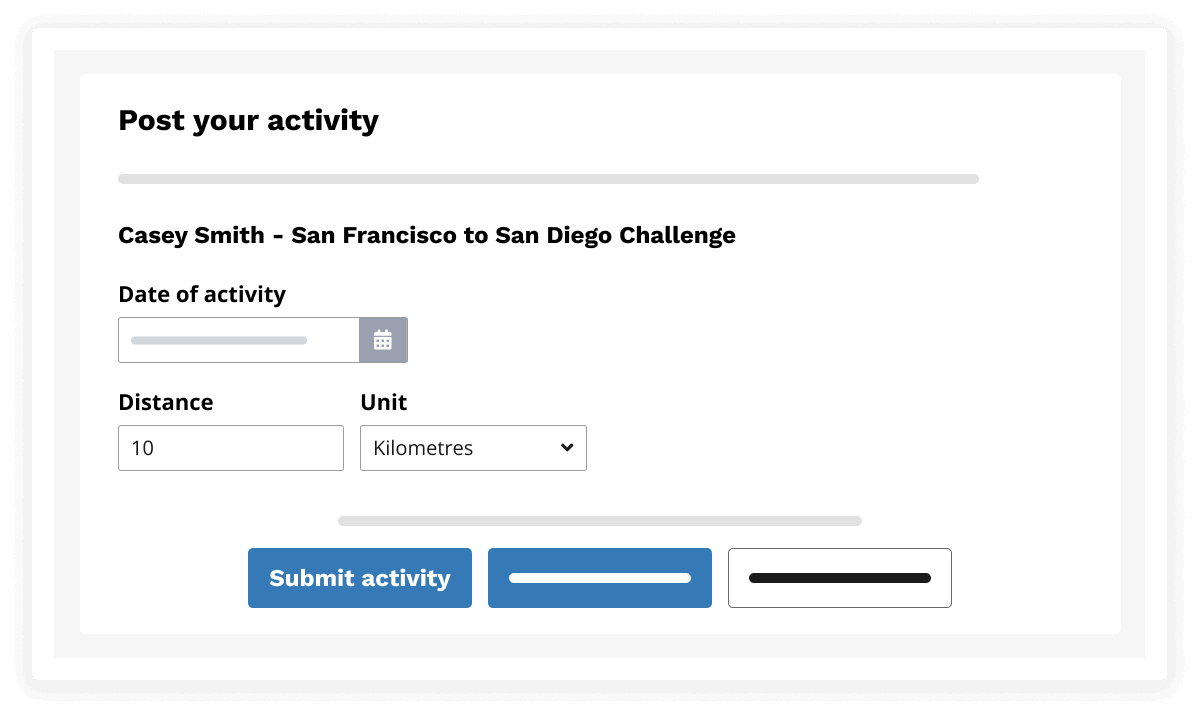
Posting your activity: Add your kilometres in by adding the date completed, the number of kilometres completed and a screenshot of how you tracked your activity (a screenshot is mandatory when uploading kilometres manually).
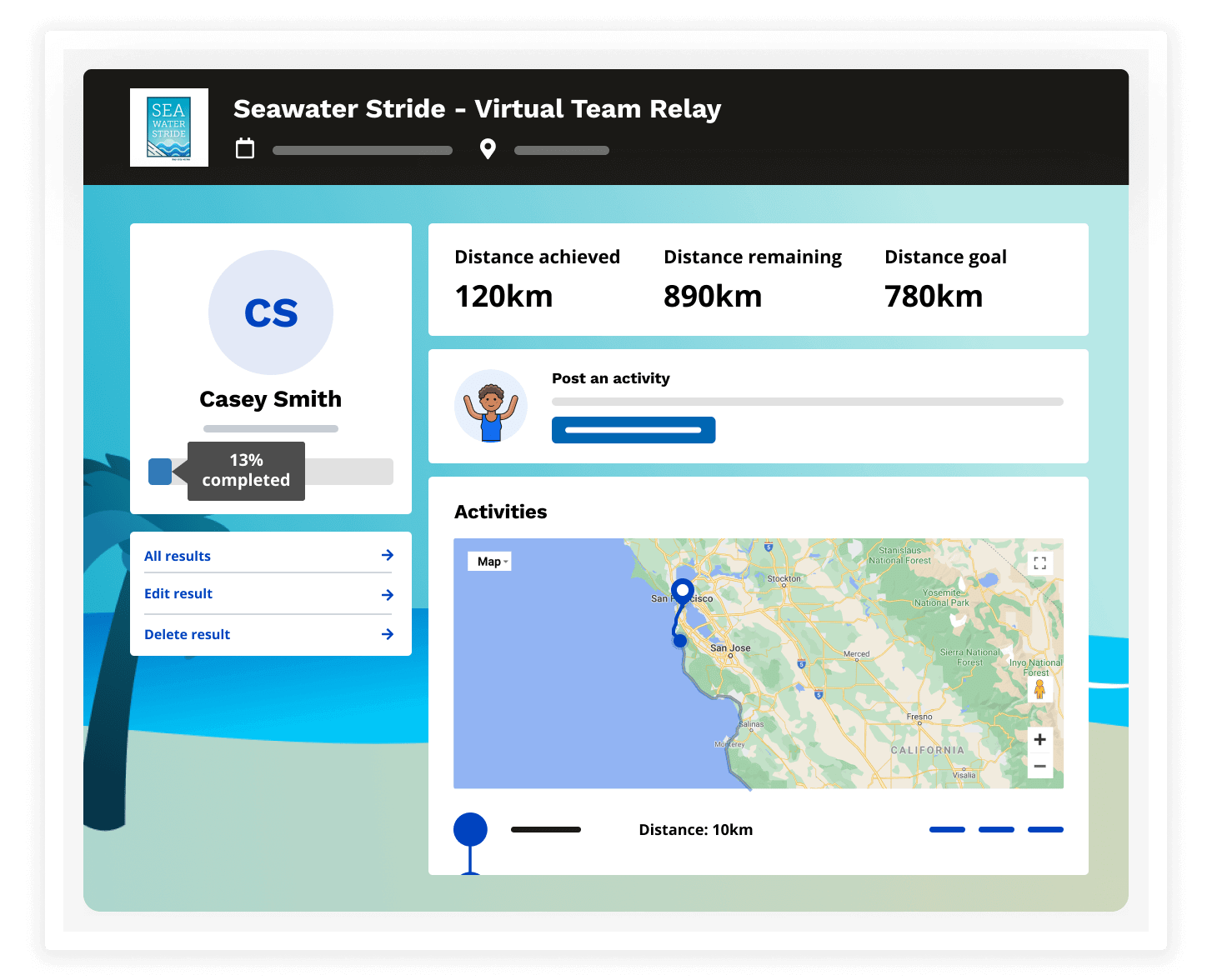
Once you have submitted your activity you will then be taken to your challenge dashboard where you can see your completed activities, statistics, and where you are currently on the route.
Troubleshooting Tips
When entering your confirmation number and last name, these must MATCH exactly what is inputted on your confirmation receipt with no spaces or different capitalization
Screenshots are MANDATORY for manual uploads, you must add this in when uploading your kilometres otherwise you will be unable to post
Please reach out to Race Roster by email (support@raceroster.com) or phone (1-855 969-5515) if you run into any difficulties or questions!
How can we help you?
Questions about the event
Looking for information on the event including packet pick up, schedule of events, or refunds?
Account and event settings
Looking to manage your registration, change your password, or update your
account information?