Race Roster’s New Email Campaign Tool for Events
New Release | Estimated Read time – 6:00
TL;DR: Race Roster has launched a new drag-and-drop email campaign builder for Event Organizers. The tool includes AI-powered writing and image generation, a stock photo library, a built-in audit tool, responsive design controls, and five new event-specific templates—making it faster and easier to create professional email campaigns from start to finish.
Email communication is one of the most direct lines you have to your participants. A well-timed, well-crafted email can drive registrations, boost race-day turnout, and leave participants feeling genuinely valued.
Race Roster’s new Email Campaign Tool for Events is here to support that goal. Designed with Event Organizers in mind, the new builder is fast and intuitive for creating polished email campaigns—no design experience required. Whether you’re sending a race-day countdown or a post-event thank-you, you have everything you need in one place.
Here’s a full breakdown of what’s new and how to make the most of it.
What is Race Roster’s new Email Campaign Tool?
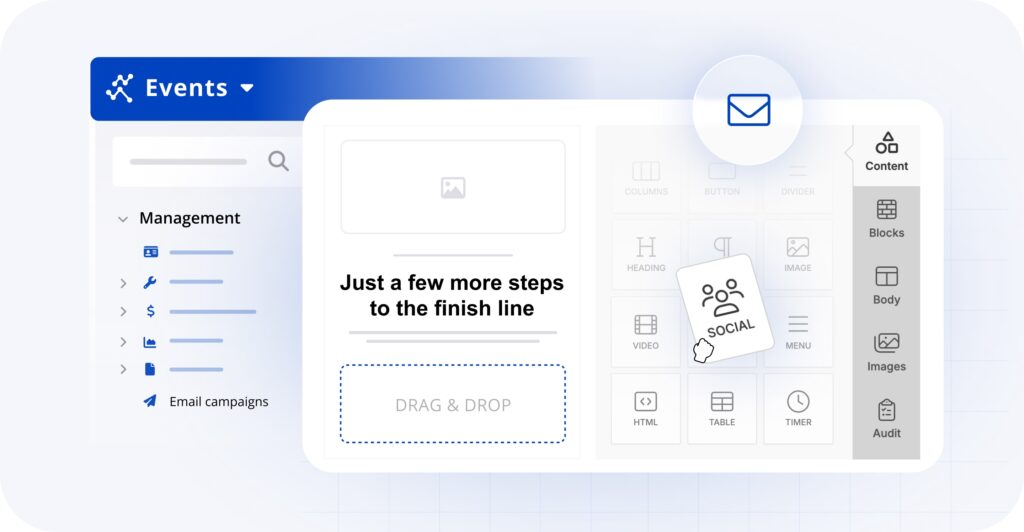
Race Roster’s new Email Campaign Tool is a drag-and-drop email builder, introduced to help you create event campaigns with ease. It replaces the previous email campaign tool and brings a more flexible, feature-rich editing experience to Event Organizers.
The builder is available directly within your Events dashboard and supports a wide range of content blocks, AI-assisted writing, responsive design controls, and pre-built templates tailored to common event communication needs.
How does the new email builder compare to the Race Roster CRM email builder?
If you’ve used the email builder inside Race Roster CRM, you already have a head start. You’ll find a familiar interface and all the same email customization features as the builder for CRM campaigns.
What can you do with the drag-and-drop block editor?
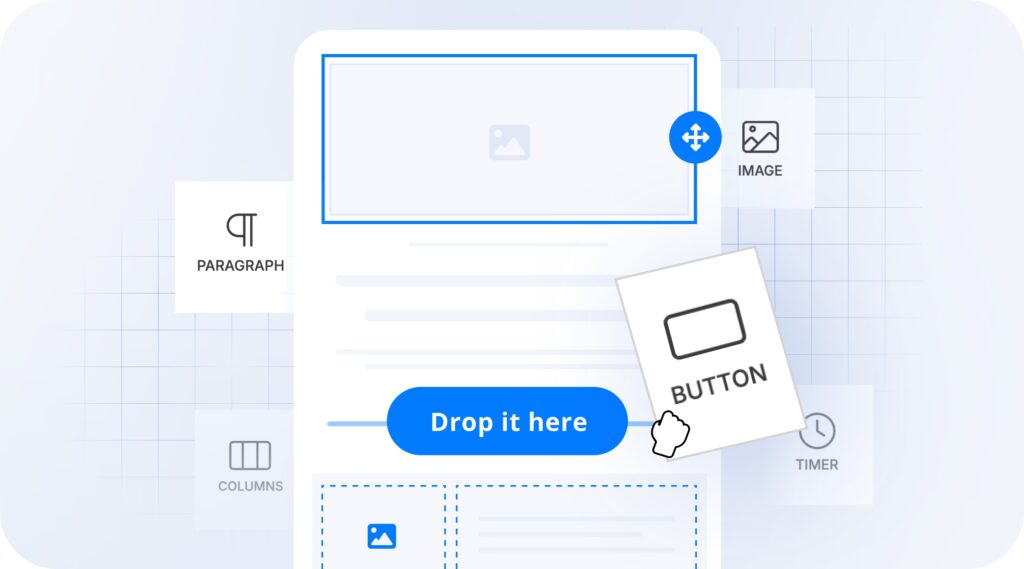
The drag-and-drop editor sits at the heart of the new tool. You can simply build your email by dragging content blocks into place and customizing them as needed.
Available content blocks include:
- Images — Upload your own, or pull from the stock photo library
- Columns — Create multi-column layouts for a more structured design
- Videos — Embed video content directly into your campaigns
- Social links — Include your social profiles
- Countdown timers — Build urgency with a live countdown to race day
- Buttons — Add clear calls-to-action throughout your email
- Text — Fully formatted text blocks with font and styling controls
- HTML — Custom code blocks for advanced customization
Each block can be reordered, duplicated, or removed at any time—giving you complete creative control without any technical complexity.
How does AI assistance work in the new email builder?
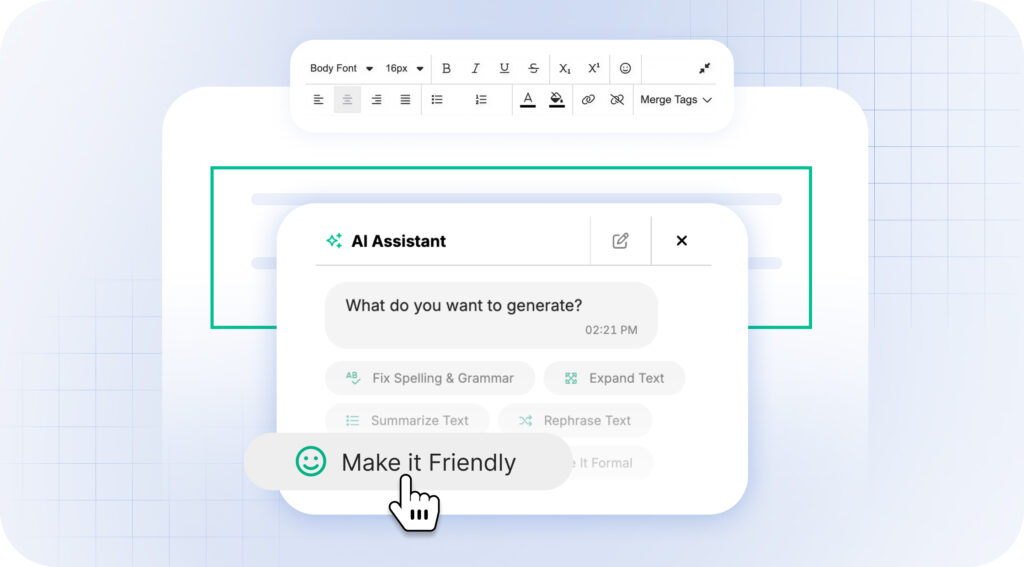
The new builder includes AI-powered features designed to speed up content creation.
The AI Assistant chat tool to can be used to apply design and text changes directly to the canvas based on your prompts, such as rewriting copy, translating text, or generating layout blocks and watch the canvas update in real time.
These features significantly reduce the time it takes to go from a blank canvas to a send-ready email.
What is the audit tool, and why does it matter?
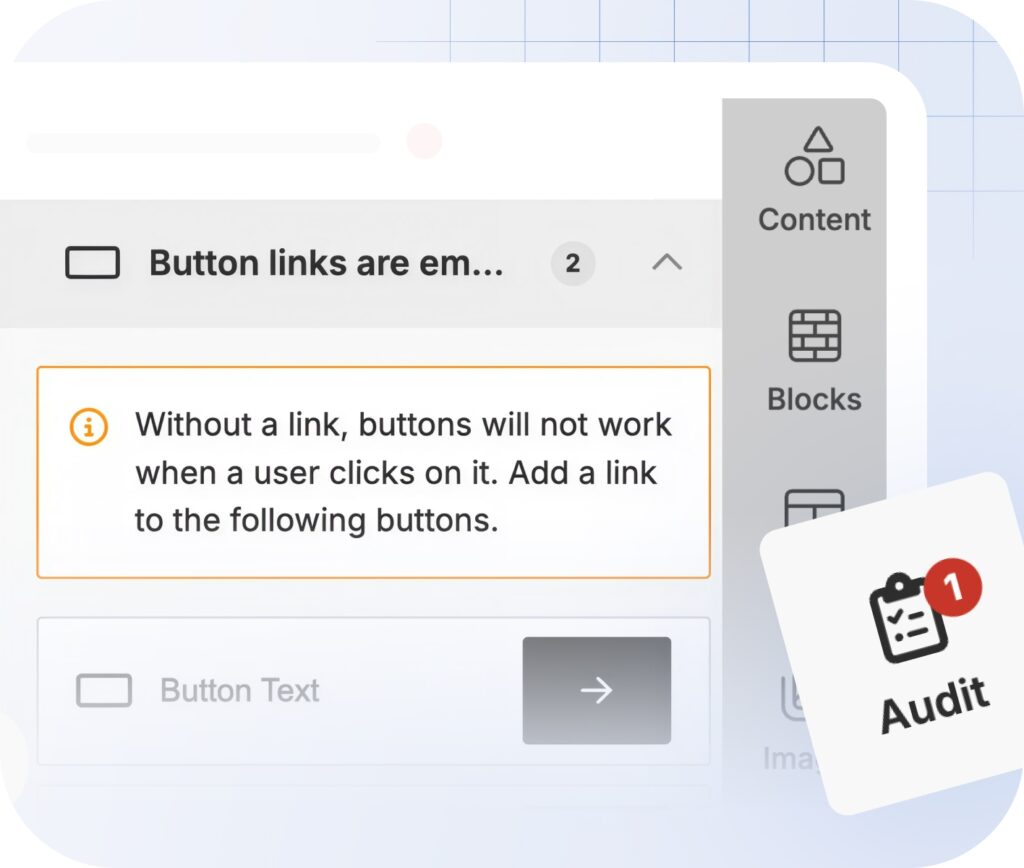
Before you hit send on any campaign, the built-in audit tool reviews your email for compliance and quality issues. This includes checks for things like missing links, broken content blocks, and elements that could affect deliverability.
Where do the stock photos come from?
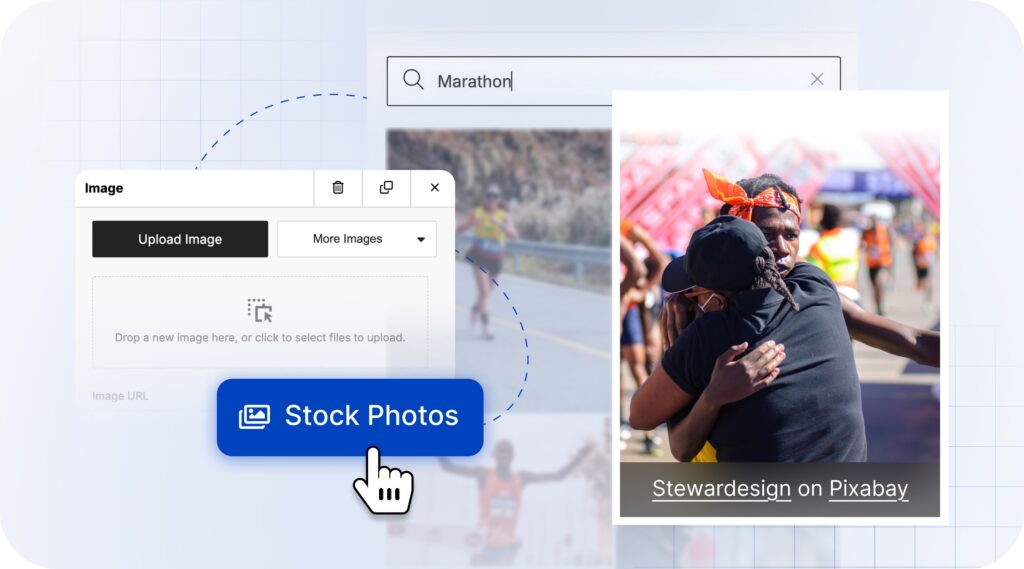
The stock photo library is powered by three of the most widely used creative platforms: Unsplash, Pexels, and Pixabay. All photos available through the library are licensed under Creative Commons Zero (CC0), meaning they are free to use for any purpose without attribution.
You can search the library directly within the builder and insert images without ever leaving the editor—no separate tab, no downloading and re-uploading.
How do responsive design options work?
Not every email looks the same on a phone as it does on a laptop. The new builder addresses this with “Hide on Desktop” and “Hide on Mobile” toggle options for individual content blocks.
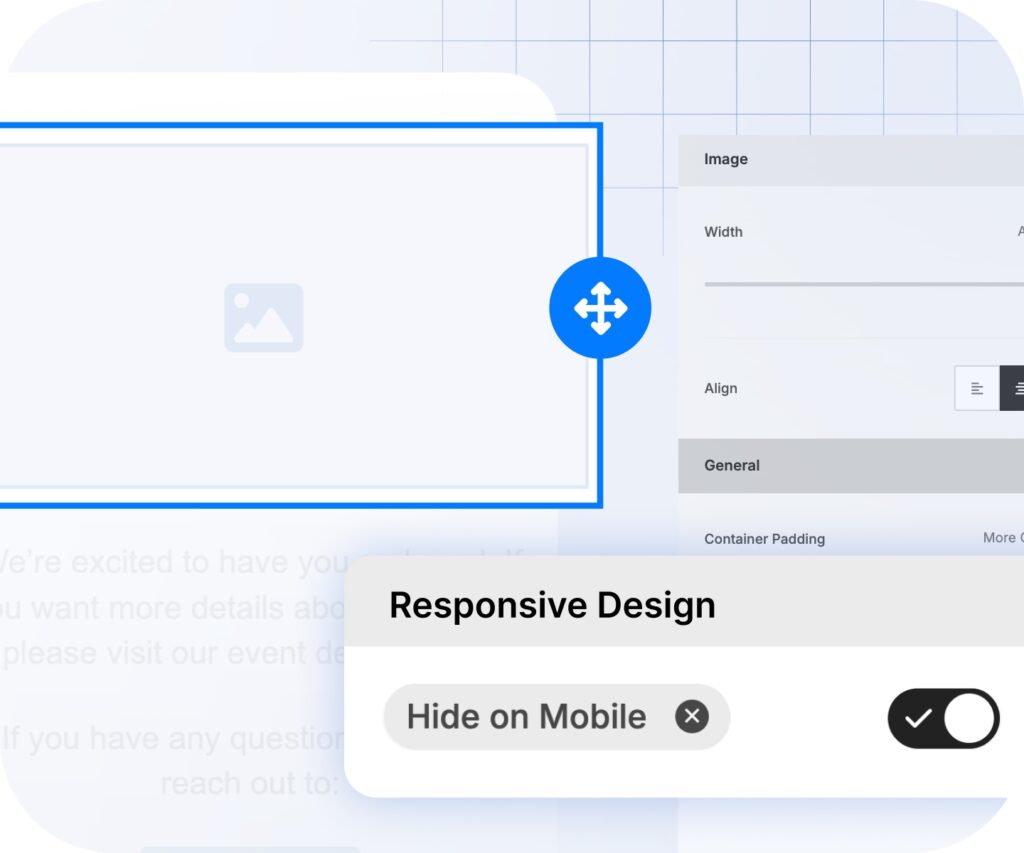
For example, if you have a wide banner image that looks sharp on a desktop but feels cramped on mobile, you can hide it on mobile and replace it with a version better suited to smaller screens. This lets you fine-tune the reading experience across devices without building two separate emails.
What new email templates are available?
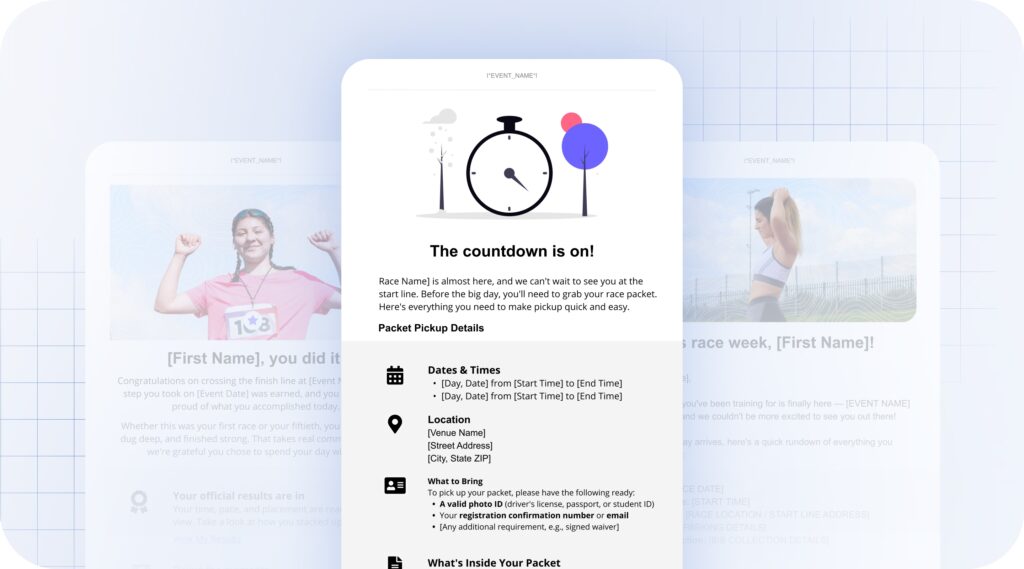
- Race day countdown / reminder — Build anticipation and share last-minute details
- Post-event thank you / congratulations — Celebrate participants and close the loop
- Volunteer info / thank you — Recognize and inform your volunteer team
- Packet/bib pickup information — Deliver logistical details clearly and efficiently
- Virtual race instructions (without Runkeeper) — Guide participants through the virtual race submission process
Each template is ready to customize and send, giving you a solid starting point for any stage of your event communication calendar.
What happens to your previous email campaigns?
The introduction of the new builder will not delete your existing campaigns, but there are a few steps to follow to ensure continuity. Race Roster has prepared a set of knowledge base articles to walk you through the process:
- How to transition your event’s legacy email campaigns to the new editor (see FAQs at the bottom of this article)
- Creating an email campaign
- How to copy email campaigns between events
If you run into any questions during the transition, the Race Roster support team is available through the contact us page.
Start building effective event emails today
The new Email Campaign Tool brings together everything Event Organizers need to communicate effectively with participants—from drag-and-drop design and AI assistance to responsive controls and compliance checking. The result is a faster, more flexible email creation experience that doesn’t require a design team to use well.
Log in to your Race Roster event dashboard to explore the new builder, browse the updated template library, and start building your next campaign.


What’s new at Race Roster?
Visit our what’s new page for the most noteworthy Race Roster updates!