

Onsite check-in & registration
Assign bib numbers on-site and manage last minute changes in real-time. Check-in participants to gain insights on packet pick-up traffic and accept late registrations with an easy, mobile friendly, pared-down kiosk form.Learn more

Bib assignment management
Accommodate your unique process with flexible bib management tools that allow for easily assigning and editing bibs. Send participants their bib number in advance to create a forward-thinking experience or edit a bib at the very last minute.Learn more

Scoring software integrations
The timing team at Race Roster works on software integrations to ease the manual work that has historically bogged down timers. We integrate with many providers, including, but not limited to RunScore, Race Director, RM Timing, RaceTec, Race Result, and Agee Race Timing. Learn more
Results
Offer custom branded results and add value to your business without the pressure of hosting your own technology. Improve the participant’s finish line experience with photos, video, and finisher certificates.Learn more

Live Predictive Tracking
Live Predictive Tracking uses split times to estimate participants’ locations along the course. Spectators can track a participant’s race in real-time, viewing their predicted pace, estimated position, and projected finish time—all without needing an app! Accessible on any web browser, whether on desktop, tablet, or phone.Learn more
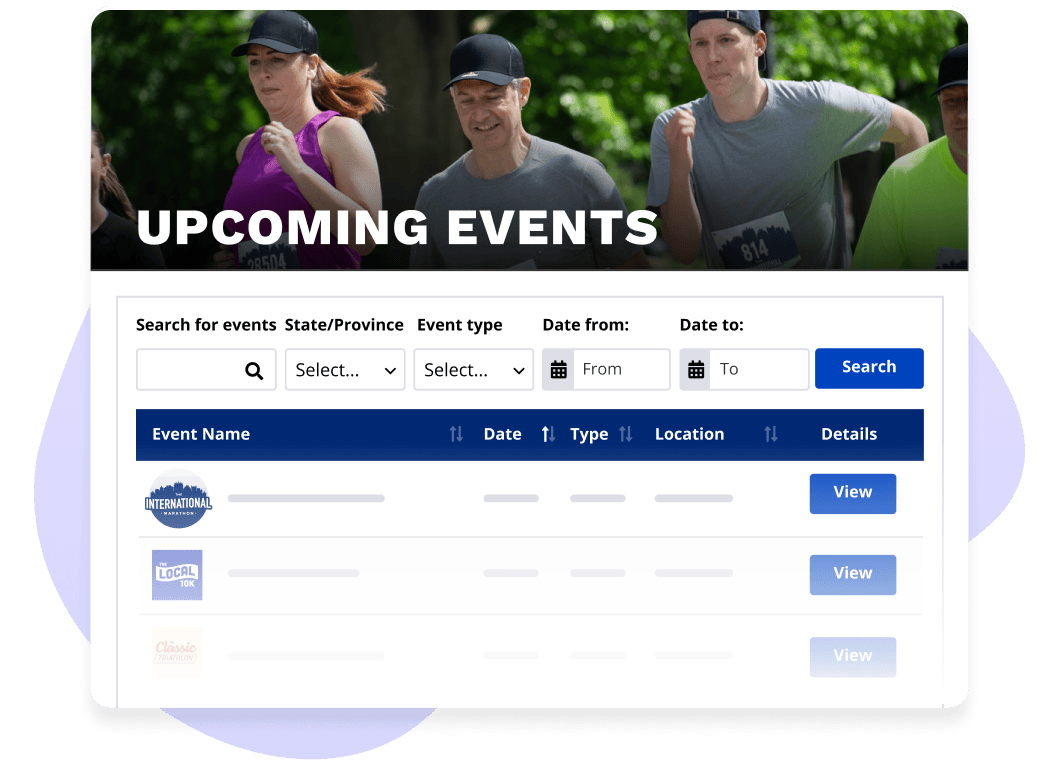
Race calendar
Show all of your upcoming and past events in one place on your own website. Build a branded calendar with your colours and logo, then embed it with a simple copy-and-paste. Participants can filter by date, location, and event type, and jump straight to registration or results from there.Learn more
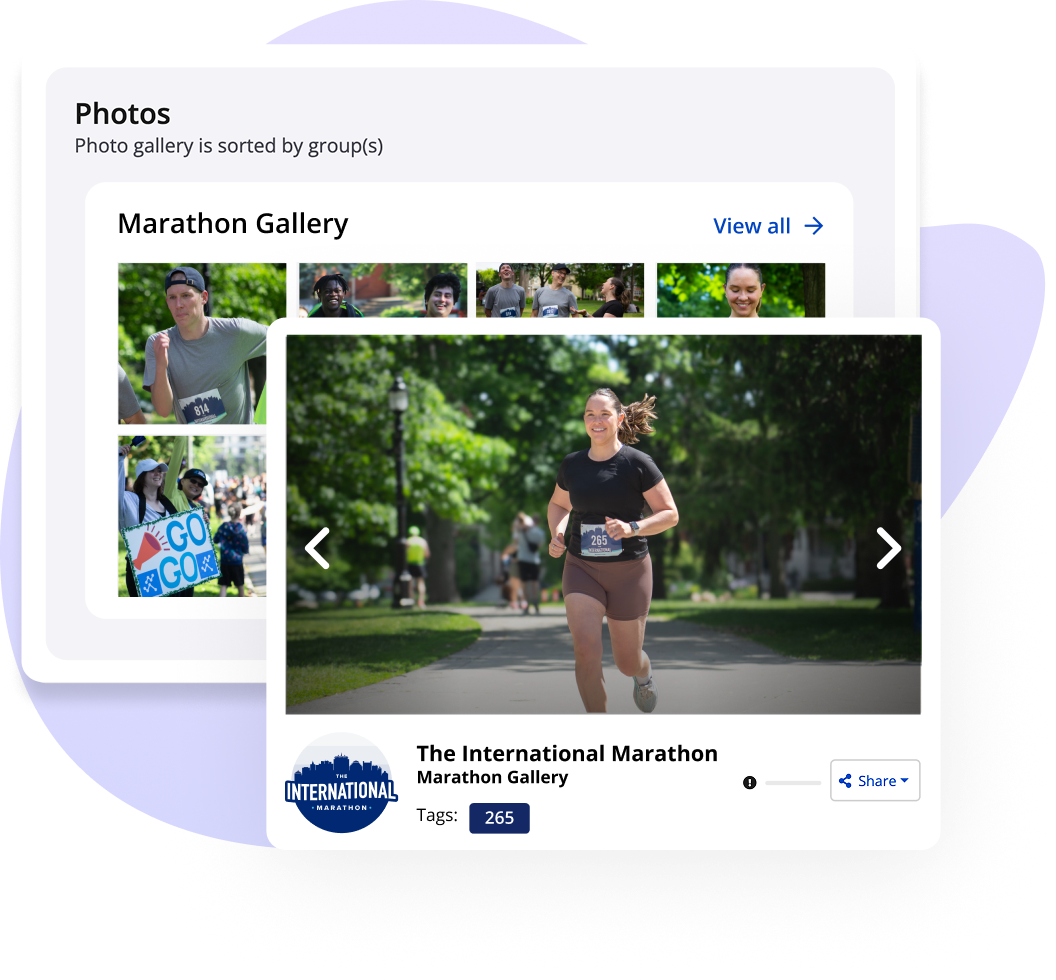
Event photos
Create a photo gallery for each event and link it directly to your results page. Upload professional race photos in bulk, or let participants add their own. Our system can automatically match photos to the right participant using their bib number, so every finisher finds their moment fast. Add your logo as a watermark to put your brand on every image.Learn more
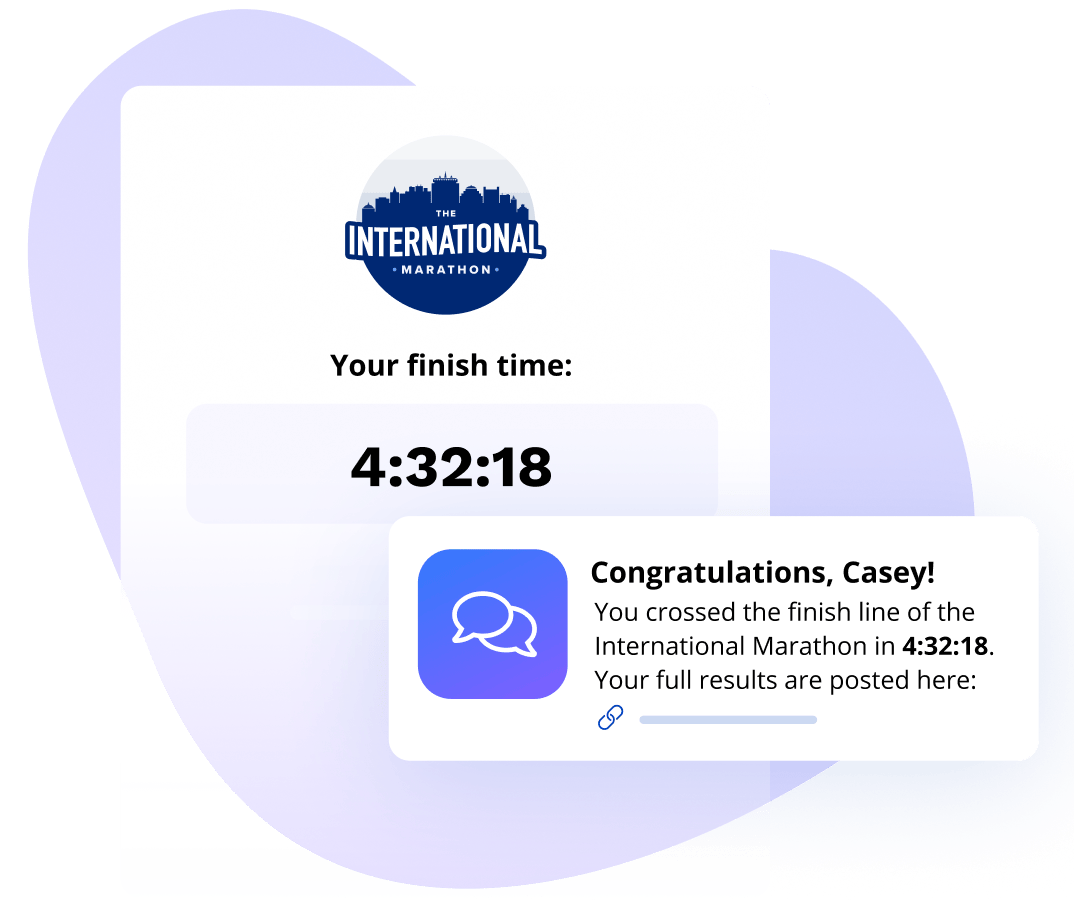
Email and SMS Marketing Campaigns
Build and send fully customized post-race emails and text messages directly from your Timer Dashboard. You control the message: include each participant’s finish time, placement, and your own branding in every send. Campaigns can fire automatically when results are posted, or at a time you choose. Your whole team can share a pool of SMS credits, and Twilio integration is available for teams outside North America.Learn more
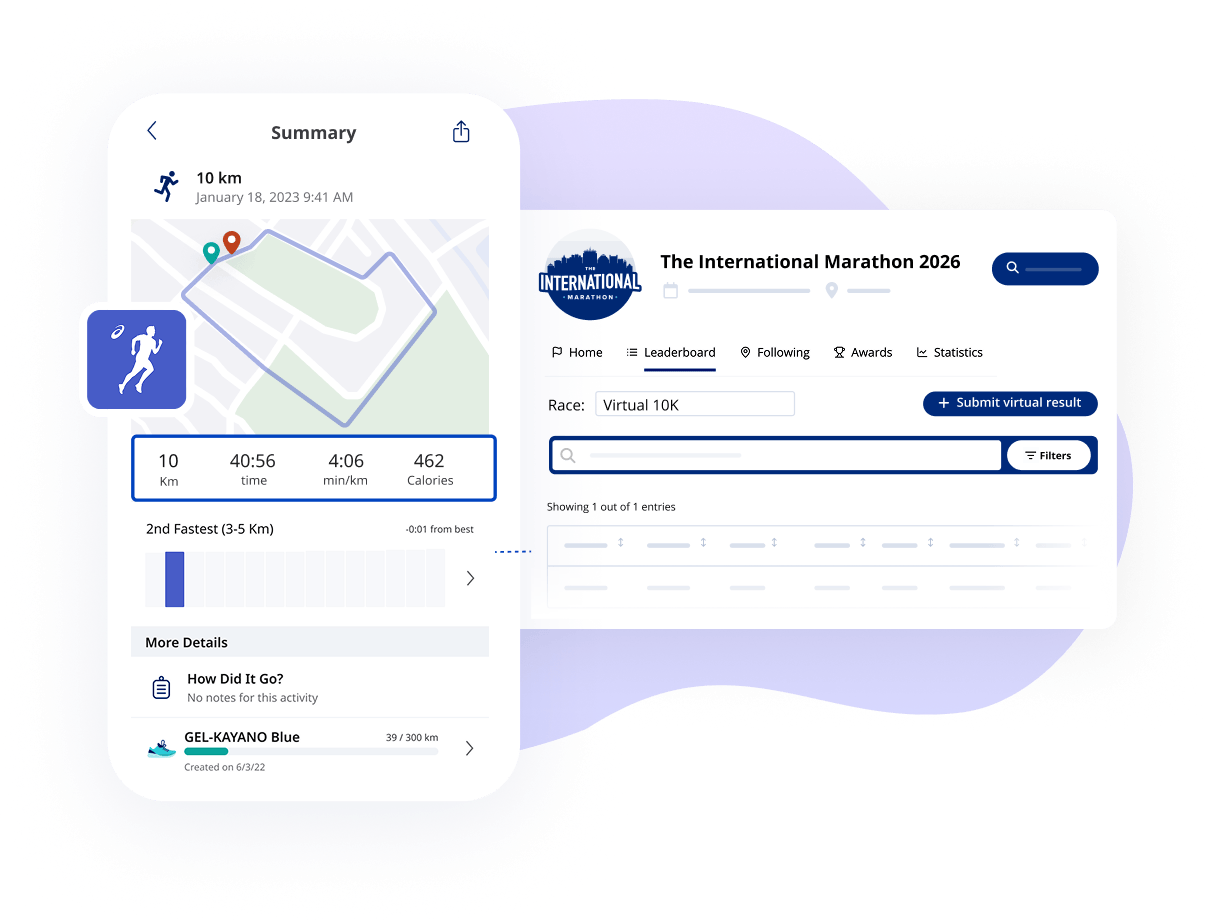
Virtual events & challenges
Host virtual triathlons, team relays, standard distance events, or virtual challenge events to allow participation from anywhere. You can also offer participants an end-to-end virtual event experience by allowing them to connect their registration to the ASICS Runkeeper app.Learn more
Frequently asked questions
Of course! Add your colors and logo to your results pages and calendars.
Yes! Easily upload a finish line video and segment it to match each participants celebratory moment!
Once your account has timer access, you can connect your local timing software via the Race Roster API through the Timer Dashboard.
From the Timer Dashboard, navigate to your event’s results section and upload your results file (CSV). Results will publish to the public-facing results page automatically.
Age group breakdowns are configured in the event’s results settings. Make sure age group categories are defined before uploading results so they display correctly on both desktop and mobile.
From the event’s settings in the Race Roster dashboard, search for the timing company by name. They must have an active timer account on Race Roster to appear.
We're prepared to listen and excited to help solve your problems
Your event deserves to be supported with technology designed with your goals in mind.
Let's talk