MONTHLY SPRINT| Estimated Read time – 6:00
Welcome to The Monthly Sprint, your go-to source for the latest Race Roster updates, tips, industry events, and more.
Whether you’re a seasoned Race Roster user or just getting started, this newsletter is designed to keep you informed, inspired, and ready to sprint ahead!
UPDATES & RELEASES
1. New Product & Merchandise Merge Tags
Added for Webhooks & the Race Roster Email Campaign tool
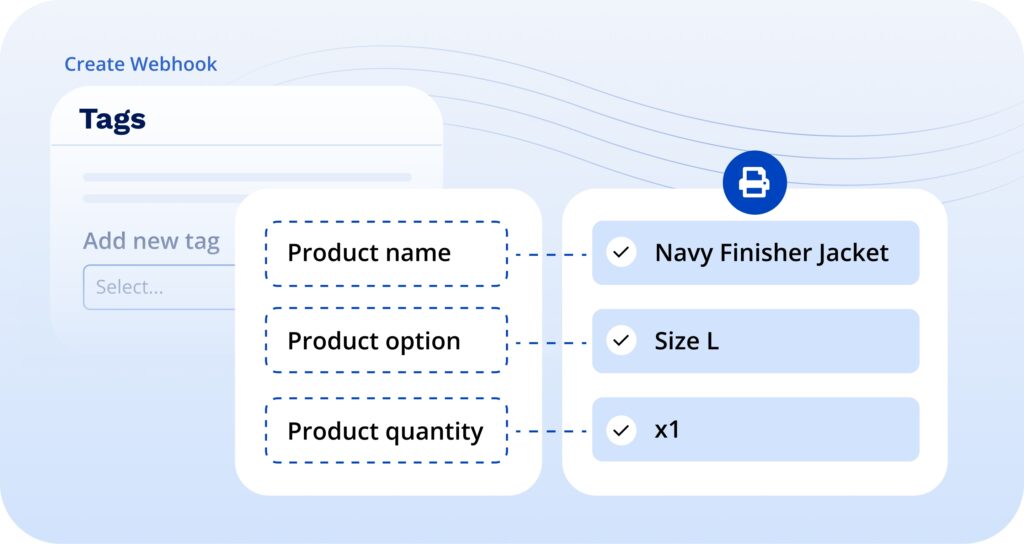
We’ve introduced new merge tags for Product Name, Product Option, and Product Quantity.
How you can use it:
- Create highly specific confirmation emails that clearly outline what the participant purchased, including size and quantity, giving them greater transparency and confidence in their order.
- Automatically send detailed order information to fulfillment houses via Webhooks, streamlining the order fulfillment process for event organizers.
2. Performance & Transfer Controls for the Participant Dashboard
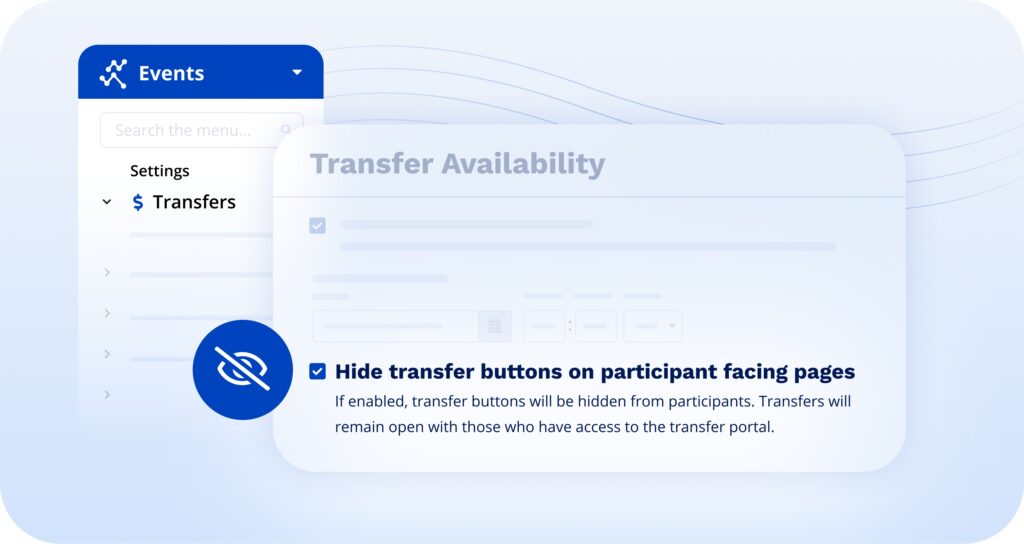
We’ve introduced new updates to the participant dashboard to optimize platform performance and ensure you can set your preferred controls for transfers.
Transfer Privacy: The ability to hide transfers on participant-facing pages is back, giving you the option to manage transfers behind the scenes. This works great for handling transfers manually at your expo, ensuring participants don’t see a button to do it themselves from home.
Enhanced Stability: We’ve improved the logic behind the “Join/Switch” button to keep things running smoothly for events of all sizes.
3. Team Dynamics: Logic & Captain Tools
We’ve refined the visibility of team actions across the platform.
This includes:
- Automatic Hiding: “Join,” “Switch,” and “Invite” buttons now automatically disappear from the dashboard once the team or event registration deadline passes.
- Captain Dashboard Cleanup: Once registration is closed, the Team Join URL and “Spots Remaining” count are hidden, though the total member count and fundraising links remain visible, as we recognize that donations often continue right up until (and after) race day.
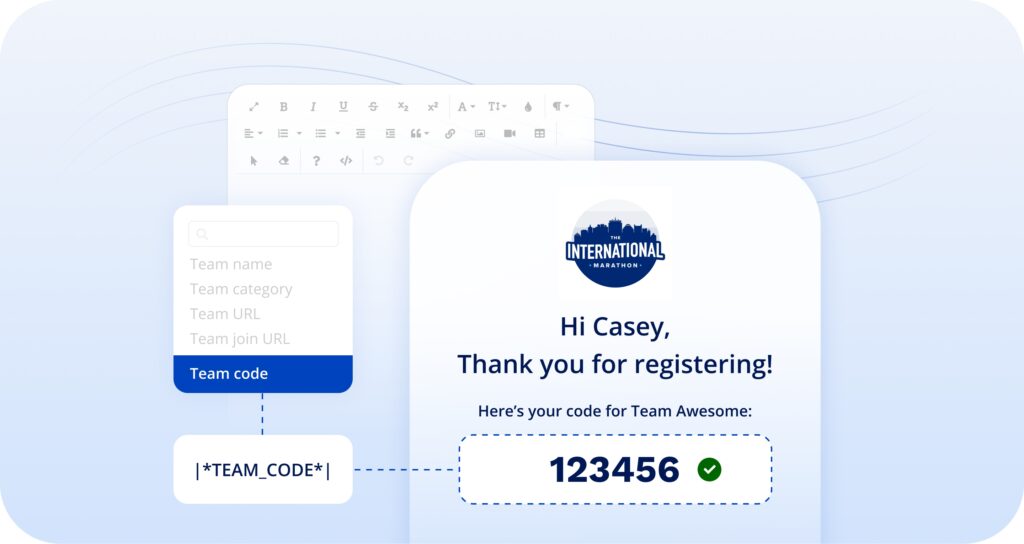
- Team Code Merge Tag: Event Organizers can now include the Team Passcode as a dynamic tag in email campaigns.
4. Start Group Management: The “Efficiency & Flow” Overhaul
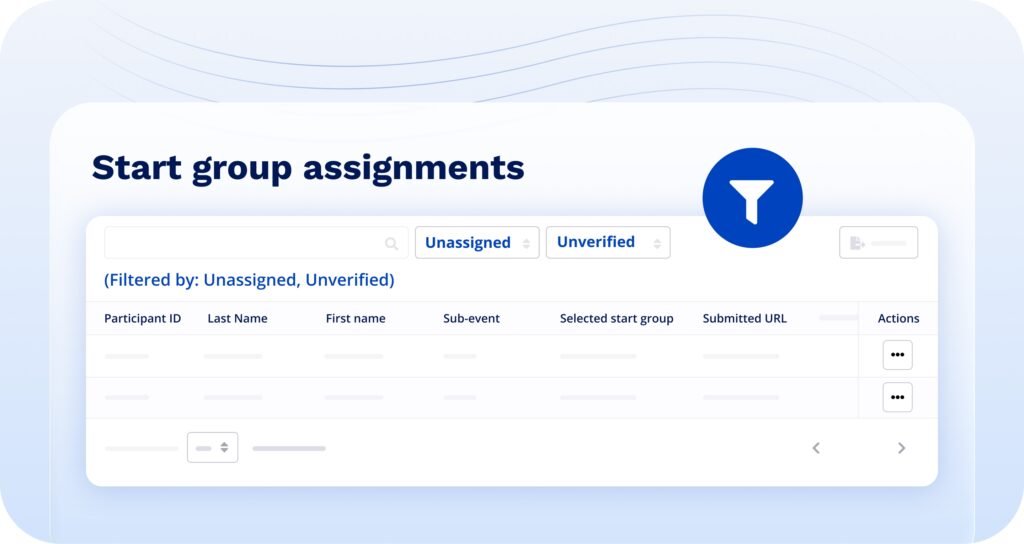
We have completely revamped the Start Group experience for Event Organizers, streamlining your process for managing Start Group requests. Key updates include:
- Assignments Table: Your default view now shows unassigned, newest participants first. Newly added status & verification filters make this possible (assigned vs. unassigned).
- Direct Verification: A new “View Results” URL column allows admins to click a link to verify participant-submitted times in a new tab.
- UI/UX Refactor: Added drag-and-drop reordering for groups and a “Smart Disclosure” setting that hides complex validation options unless they are needed.
- Edit Modal: Added a Start Group dropdown directly into the “Edit Participant” pop-up.
What this means for you:
You can log in, see the newest participants who haven’t been assigned yet, click “View Results” to see their proof of time, and assign them a group via the dropdown—all without leaving the table or scrolling to the bottom of the list.
5. Update to “Preferred Fundraising Organization” Dropdown
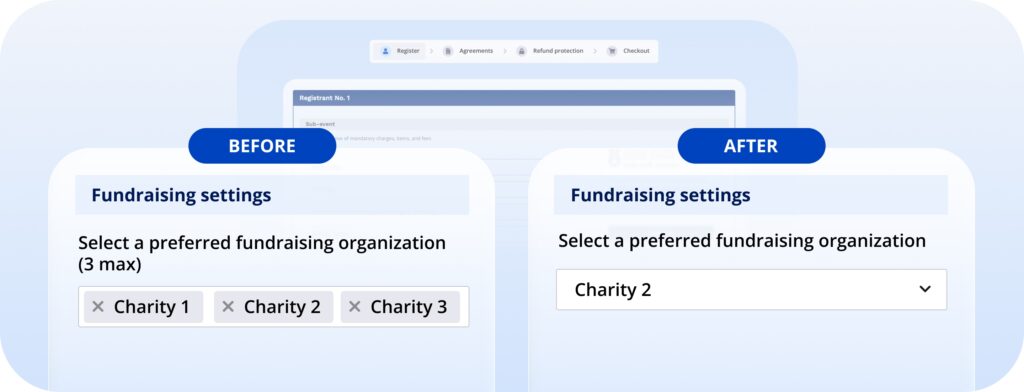
The “Preferred Fundraising Organization” is the organization a fundraiser chooses to raise funds for. With this update, fundraisers can now choose only one organization as their preferred option. This change does not affect fundraisers currently supporting multiple organizations unless they edit and save changes through the fundraising page edit modal. At that point, the single-select dropdown will apply, and the selected organization will become their designated beneficiary moving forward.
6. Browser Push Notifications
And notable updates to Live Predictive Tracking
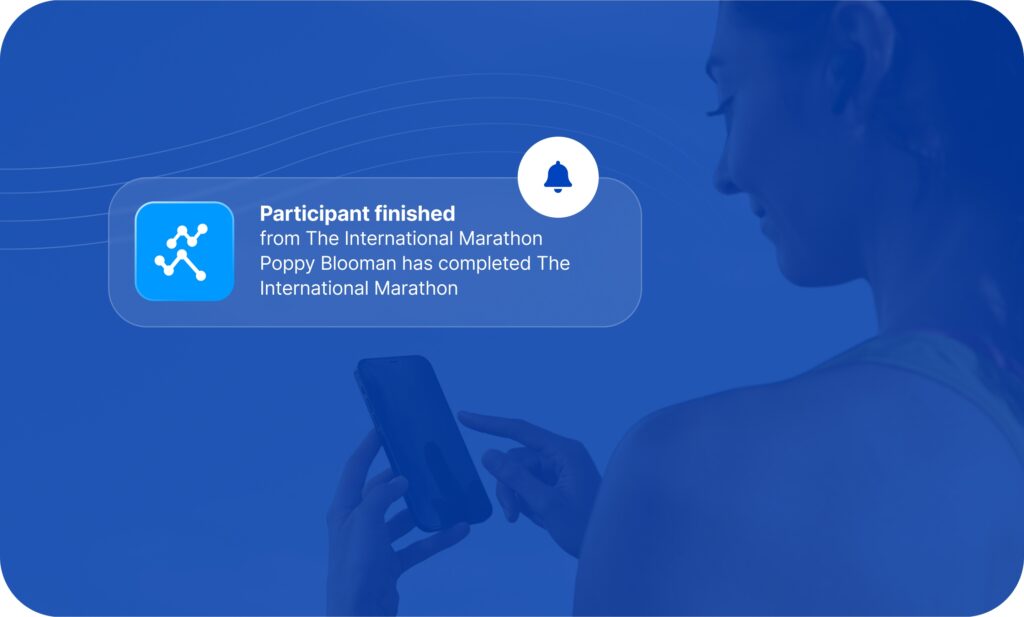
A major expansion of LPT capabilities, including push notifications for spectators, segmentless tracking for simpler courses, a revamped follow/subscribe experience, and new metrics.
What’s new
Phase 4 of LPT brings several connected improvements:
- Browser Push Notifications — Spectators can opt in to receive push notifications when followed participants finish a race, on both desktop and mobile (via PWA).
- Follower Alerts — A redesigned follow system with clearer CTAs for LPT participants and improved subscription management.
- Segmentless Tracking — LPT now supports events without predefined course segments, broadening the types of races that can offer live tracking.
- Follow CTA on LPT — New call-to-action prompts make it easier for spectators to follow participants during live events.
Why it matters
- Spectators stay engaged even when they step away from the live tracker.
- More race types can now offer live tracking without complex segment setup.
- The follow experience is more intuitive, driving higher engagement.
- Timers can measure the value of push notifications with real data.
7. Results Inquiry Overhaul
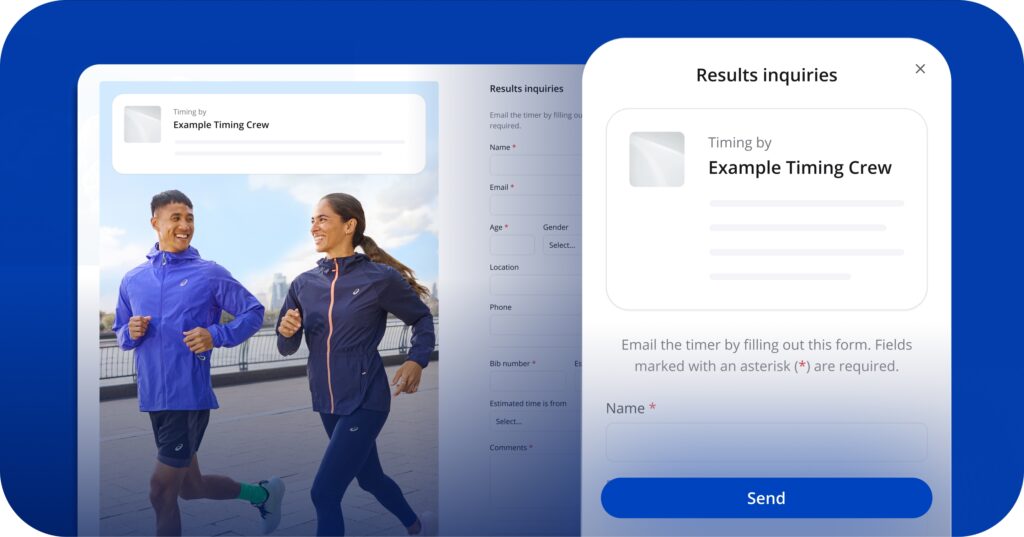
The results inquiry system has been completely rebuilt, giving participants a better way to submit result questions and giving timers new tools to track and manage those inquiries.
What’s new
Participants can now submit results inquiries through a redesigned form that stores data directly in the database (replacing the previous email-only approach). Timers gain a new results inquiries metrics dashboard showing inquiry volume, response times, and resolution rates on the Timer Dashboard Metrics page.
Why it matters
- Participants get a more reliable way to flag results issues.
- Timers can track and prioritize inquiries instead of losing them in email.
- New metrics help timers understand inquiry patterns and improve their process.
FEATURE SPOTLIGHT
USAT Integration
First: What is USA Triathlon? USAT serves as the National Governing Body for triathlon, as well as duathlon, aquathlon, aquabike, winter triathlon, off-road triathlon and paratriathlon in the United States.
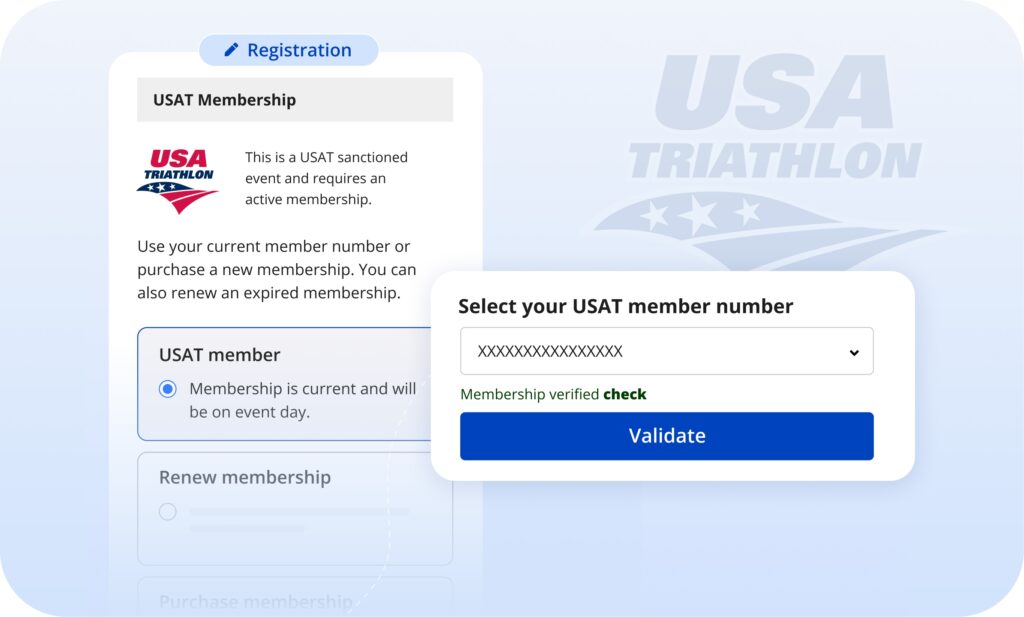
If you organize a USAT-sanctioned event, you can host online registration on our platform, while validating and ensuring that all registrants are USAT members.
Key highlights of Race Roster’s USAT Integration:
- Membership purchases, renewals, and validation can be done directly within the registration form on Race Roster.
- Payments are made simple by allowing participants to register for your event and purchase or renew memberships—all in one checkout on Race Roster.
Knowledge Base Article: How to Enable the USAT Integration on your event
TIP OF THE MONTH
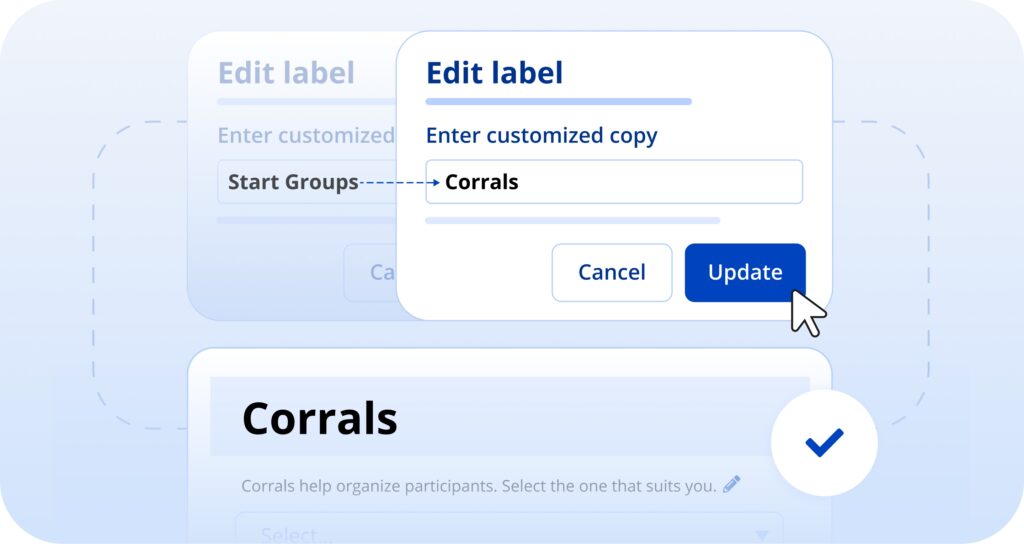
Did you know you can change labels on your registration form? Enter pencil edit mode to tailor copy to your event’s unique needs!
For example:
Teams > Corporate teams, Charity Teams, or whatever fits your language!
Start Groups > Corrals, Waves, or another term you use for your event!
THE LATEST ON SOCIALS
Did you know we’re active on social media?
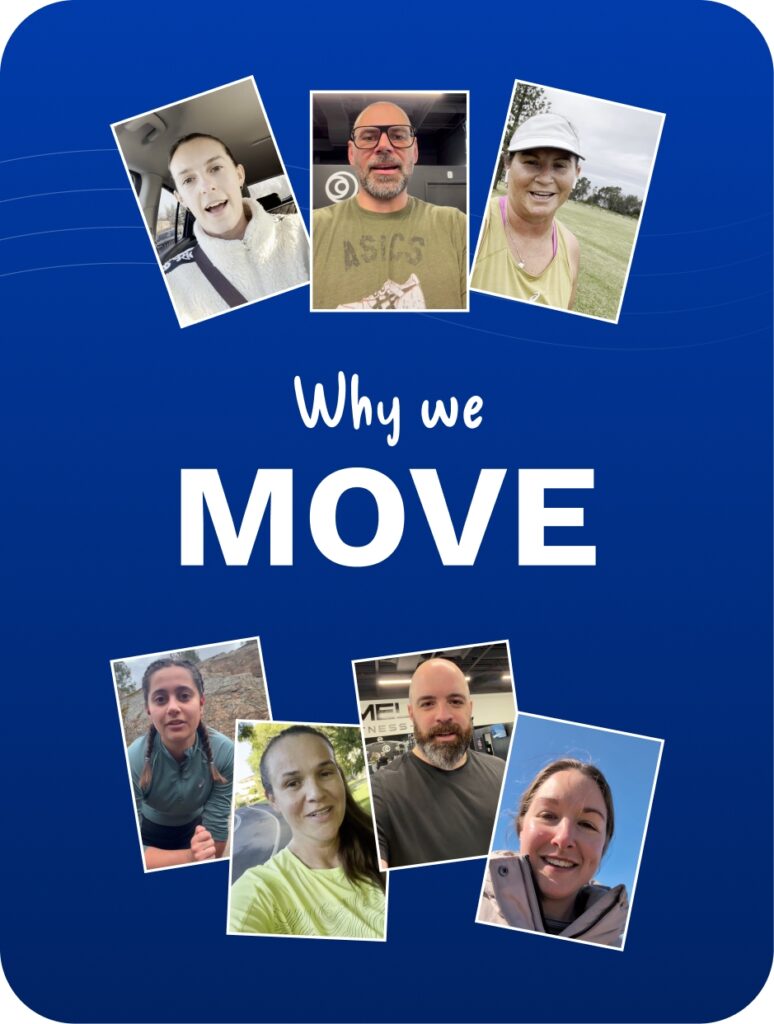
Check out our latest posts on Instagram:


Or connect with us on



What’s new at Race Roster?
Visit our what’s new page for the most noteworthy Race Roster updates!